Ready to work in 3 simple steps
Install. Detect. Default.
Installation
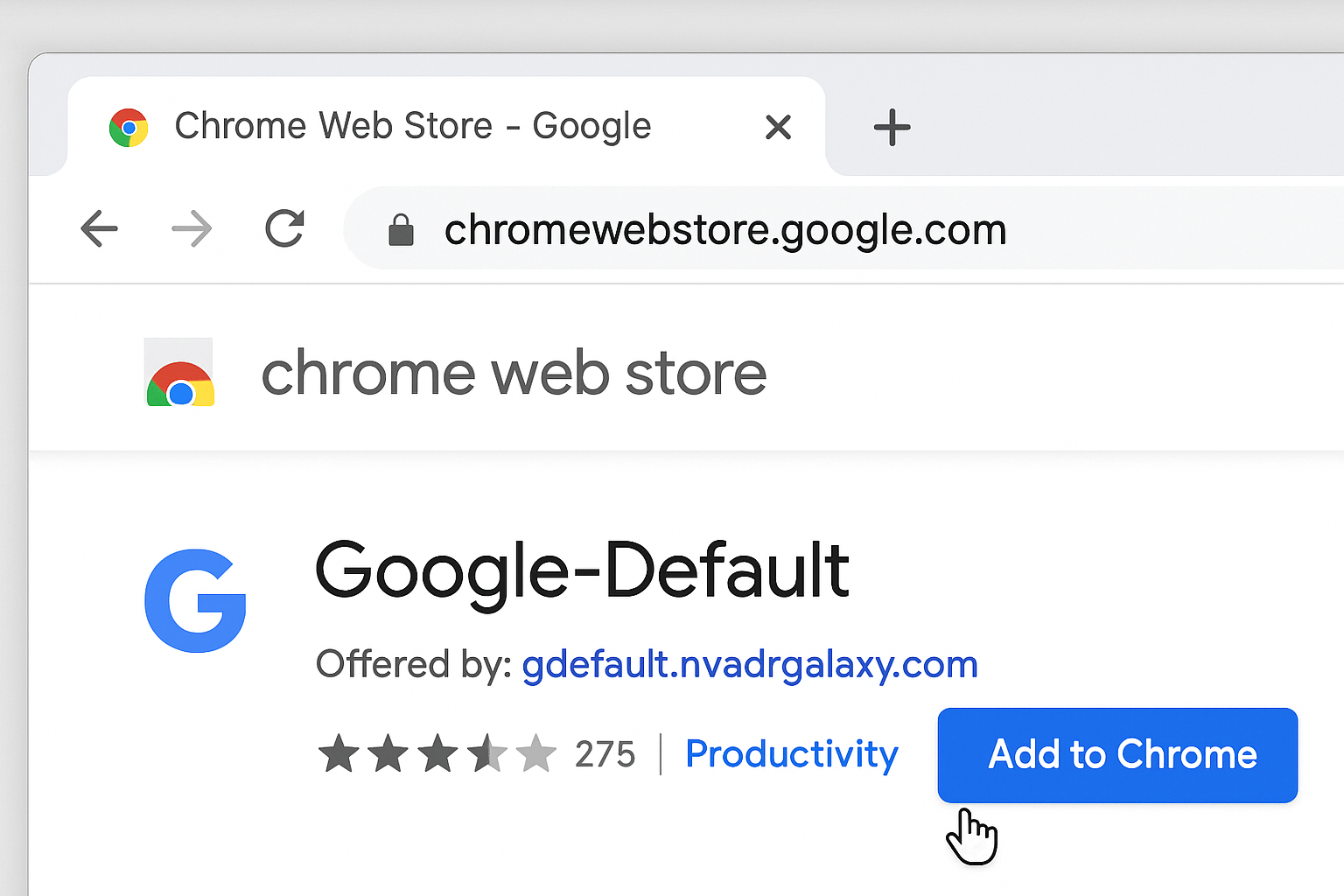
Visit the Chrome Extension Store and click 'Add to Chrome'.
Account Detection
Open Google Mail, or any other supported Google service, to automatically detect your Google account.
Select Default
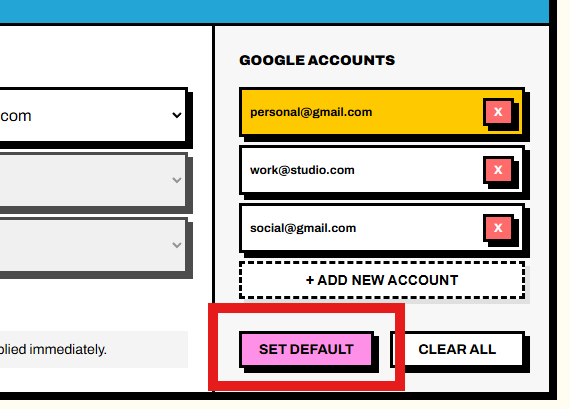
Select the account in the menu, and click 'Set Default'. That's it you're done.
How It Works Under the Hood
Google-Default searches for your account email and index in the HTML document only when visiting a supported Google service. It uses clever filters and algorithms to ensure it grabs the right data.
 Account Detection
When you open your inbox, the extension will scrape the webpage for your account index and save it locally on your machine.
 Instant Routing
Next time you visit Gmail, the extension will intercept the request, rebuild the URL using your selected account index, and then redirect straight to that inbox.
Supports Most Google Services
Create service-specific default accounts for Drive, Calendar, and Search.
Go to Dashboard